Halima sells children’s clothes online from Kitengela: school sweaters, Eid outfits, baby sets. She built her shop on Shopify because a YouTube video made it look easy, and it was, until checkout. Shopify showed card payments and PayPal, but most of her customers wanted to pay by M-Pesa. So they messaged her on WhatsApp instead, she sent her till number, they sent screenshots, and she checked every one by hand at midnight.
Half of the people who reached checkout simply left.
The short answer
- Shopify does not offer M-Pesa directly. You add it through a payment app or gateway that supports M-Pesa in Kenya, or a manual payment method.
- The three options: a Kenyan payment gateway with a Shopify integration (smoothest), a manual “Pay with M-Pesa” method (cheapest, more work), or moving to WooCommerce, which has direct M-Pesa plugins.
- Gateways usually charge a fee of roughly 1.5%–3.5% per transaction, on top of Shopify’s own plan.
- Test the full checkout on a phone before you go live.
Why M-Pesa at checkout matters
Most Kenyan shoppers pay by M-Pesa. When they cannot, many leave. Those who stay start a WhatsApp conversation, which costs you time and loses orders when you are asleep. A proper M-Pesa checkout confirms the payment automatically and marks the order as paid.
Option 1: A payment gateway with Shopify support
Several payment companies operating in Kenya offer Shopify apps or hosted checkouts that accept M-Pesa and cards. The customer chooses M-Pesa, gets an STK push on their phone, enters their PIN, and Shopify marks the order paid.
- Good: automatic, professional, works at 2am.
- Watch: transaction fees, how quickly money reaches your bank or M-Pesa, and whether your Shopify plan allows third-party gateways.
- You need: a business Paybill or till, business registration documents and a bank account for settlement.
Option 2: A manual M-Pesa payment method
In Shopify’s payment settings you can add a manual method called “Pay with M-Pesa”, with your till or Paybill number and instructions. The order is created as “payment pending” and you confirm it when the money arrives.
- Good: free and set up in ten minutes.
- Watch: you must check every payment yourself, and some customers will not finish.
- Best for: new shops with a few orders a day.
Option 3: Move to WooCommerce
WooCommerce, the shop system for WordPress, has M-Pesa plugins that connect directly to Safaricom’s Daraja API. There is no monthly platform fee in dollars, and you control the design and data. It needs proper set-up and hosting, so it suits shops that are growing. See how much an e-commerce website costs in Kenya.
The options side by side
| Gateway app on Shopify | Manual M-Pesa on Shopify | WooCommerce + M-Pesa | |
|---|---|---|---|
| Payment confirmed | Automatically | By you | Automatically |
| Fees | Gateway fee plus Shopify plan | Shopify plan only | M-Pesa charges plus hosting |
| Set-up | Hours to days, with documents | Minutes | A built project |
| Best for | Growing Shopify shops | Just starting | Shops wanting full control |
For the M-Pesa side in general, read how to add Lipa na M-Pesa to your website.
Checklist before going live
- Make a real KSh 10 test order on your phone with M-Pesa.
- Check the order is marked paid and you get the notification.
- Check the customer gets a confirmation SMS or email.
- Try a failed payment (cancel the STK push) and make sure the order is not marked paid.
- Show “We accept M-Pesa” on product pages, not just at checkout.
What happened to Halima
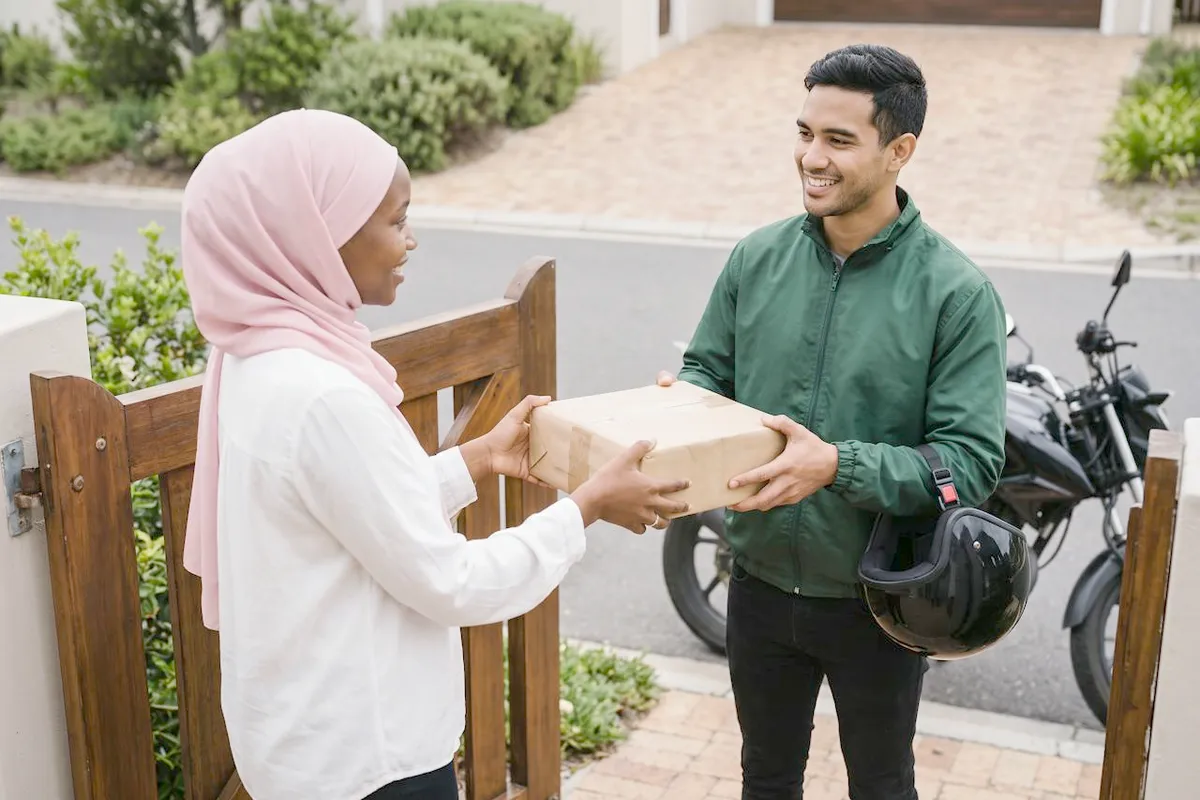
Halima started with the manual method the same evening, which stopped the WhatsApp screenshots. A month later she moved to a gateway app with an M-Pesa STK push. Checkout completion went from roughly half to about 80%, and she stopped checking payments at midnight. Orders now arrive marked paid, and she packs them in the morning.
Halima is a composite, based on situations we see often. The numbers are typical, not a promise.
Want an online shop that takes M-Pesa properly?
We build online shops with M-Pesa and card payments, delivery options and stock that updates itself. See our e-commerce websites and prices. Online shops start from KSh 120,000.
Shopify and M-Pesa: FAQs
Does Shopify support M-Pesa?
Not directly. You add M-Pesa through a payment app or gateway that supports it, or as a manual payment method.
Can I use my personal M-Pesa number on Shopify?
You can show it in a manual method, but a business till or Paybill looks more professional, keeps business money separate and is required by gateways.
How much does it cost to add M-Pesa to Shopify?
The manual method is free. Gateways usually charge roughly 1.5%–3.5% per transaction, sometimes with a set-up fee.
Is Shopify or WooCommerce better in Kenya?
Shopify is quicker to start and needs less maintenance. WooCommerce gives you direct M-Pesa, lower monthly costs and more control. It depends on your size and plans.
How long until money reaches my account?
With M-Pesa straight to your till or Paybill, almost immediately. Through a gateway, usually one to three days, depending on the provider.
Can customers pay on delivery?
Yes. Shopify supports cash on delivery as a manual method, and many Kenyan shops offer M-Pesa on delivery for first-time customers.