Mutiso runs a small internet company in Kahawa West: wireless and fibre connections for about 600 homes and shops. On the first of every month, his two staff spent three days doing the same thing: reading M-Pesa messages, matching each payment to a customer, and reconnecting accounts by hand. Customers who paid on a Sunday stayed offline until Monday. Some paid with the wrong account number and got cut off anyway.
He wanted payments to reconnect customers automatically. Here is how small internet providers in Kenya do it.
The short answer
- Use a Paybill with the customer’s account number (their ID or phone number) so every payment can be matched automatically.
- Connect it to your billing system through Safaricom’s Daraja API: M-Pesa sends each payment to your system the moment it happens.
- Add STK Push so customers can pay from a link or a reminder message without typing the Paybill number.
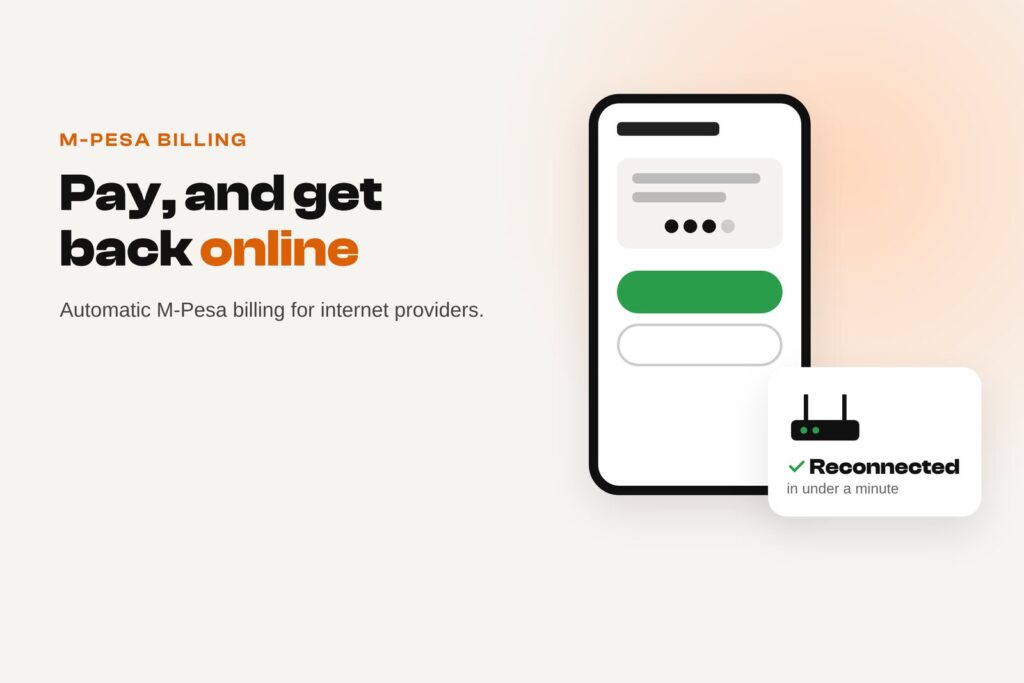
- When a payment arrives, the system extends the subscription and reconnects the customer automatically, any time of day.
Why manual M-Pesa billing breaks as you grow
- Hours of matching payments to customers every month.
- Wrong or missing account numbers mean payments nobody can trace.
- Customers wait for staff to reconnect them, often over a weekend.
- No clear record of who has paid, who is late and who is about to expire.
How automated M-Pesa billing works
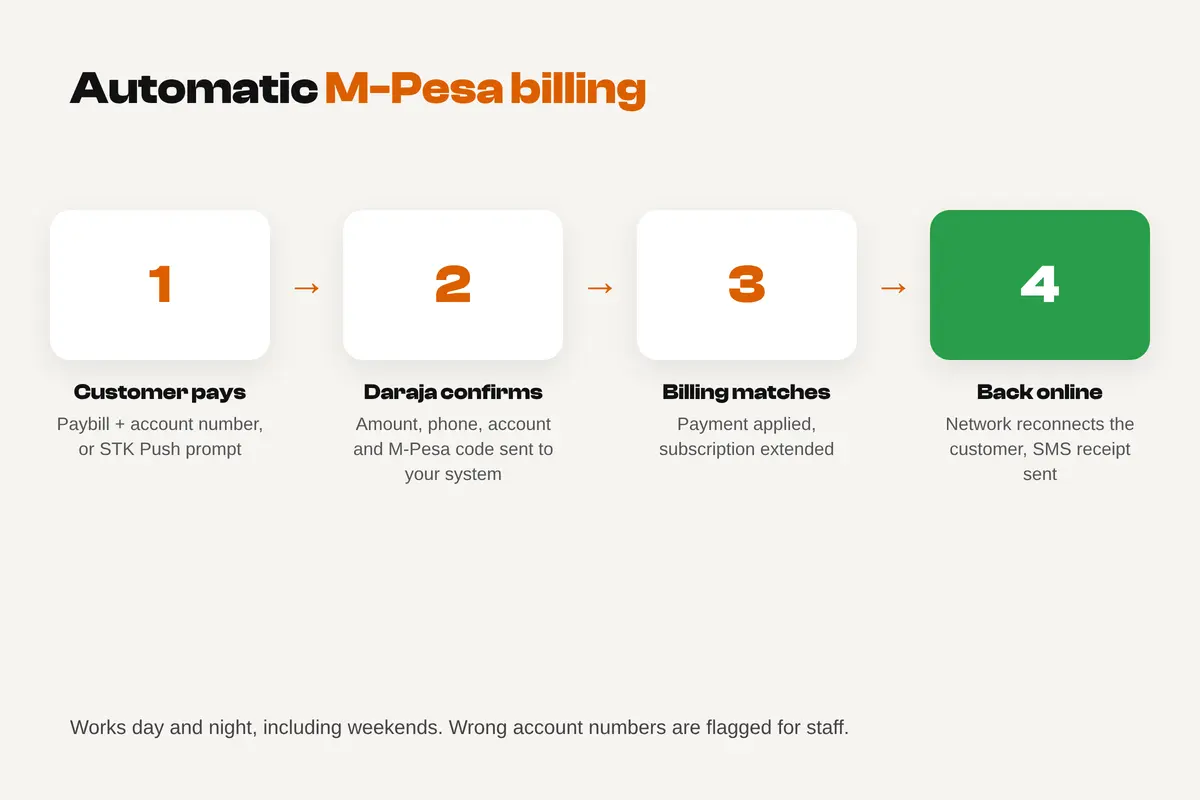
- Every customer gets an account number in your billing system, for example their customer ID.
- The customer pays to your Paybill with that account number, or taps an STK Push prompt sent to their phone.
- Daraja sends a confirmation to your system with the amount, phone number, account number and M-Pesa code.
- Your system matches the payment to the customer and extends their subscription.
- The connection is renewed through your network controller or RADIUS server, and the customer gets an SMS receipt.
Paybill, Till or STK Push?
| Option | How it works | Good for ISPs? |
|---|---|---|
| Paybill with account numbers | Customer enters your Paybill and their account number | Yes: the standard choice, because every payment carries the customer’s account |
| Till (Buy Goods) | Customer pays a till number with no account field | Not ideal: payments are hard to match to customers |
| STK Push (M-Pesa Express) | Your system sends a payment prompt to the customer’s phone | Yes, alongside a Paybill: fewer typing mistakes and easy renewals from a link or reminder |
For the details of STK Push and getting live Daraja credentials, see our guide on how to add M-Pesa to your website.
What you need
- A Safaricom Paybill registered to your company.
- Daraja API access for your Paybill (C2B for Paybill payments, and M-Pesa Express for STK Push), approved for production.
- A billing system that can receive Daraja confirmations, either one built for ISPs or a custom system.
- A link from billing to your network equipment or RADIUS, so paid customers are reconnected and expired ones are limited automatically.
- A customer page or portal where people can see their balance, expiry date and pay.
What it costs
Safaricom charges its usual Paybill transaction fees. Ready-made ISP billing platforms charge a monthly fee, often based on the number of customers. A custom integration with your existing system usually costs roughly KSh 60,000–250,000 once, depending on the equipment and features, plus hosting and support. For most ISPs it pays for itself in staff time within months.
What happened to Mutiso
Mutiso kept his Paybill and gave every customer their customer number as the account number. We connected his billing system to Daraja, added an STK Push “pay now” link to his reminder SMS three days before expiry, and linked payments to his network controller so accounts reconnect within a minute.
Month-end billing went from three days to about an hour of checking exceptions, and late payments fell by about a third because customers can pay from the reminder. Weekend payments now reconnect instantly.
Mutiso is a composite, based on situations we see often. The numbers are typical, not a promise.
Need M-Pesa billing for your network?
We integrate M-Pesa Paybill, STK Push and Daraja callbacks with billing systems and customer portals. See our M-Pesa website and payments work or tell us about your setup.
M-Pesa for internet providers: FAQs
Can M-Pesa payments reconnect internet customers automatically?
Yes. Daraja sends each payment to your billing system, which extends the subscription and tells your network equipment to reconnect the customer.
Should an ISP use a Paybill or a Till?
A Paybill with account numbers, because each payment carries the customer’s account and can be matched automatically.
What is STK Push?
A payment prompt sent to the customer’s phone. They only enter their M-Pesa PIN, which reduces mistakes with Paybill and account numbers.
What happens if a customer uses the wrong account number?
The payment still arrives, but cannot be matched automatically. A good system flags it for staff, and STK Push links avoid most of these mistakes.
How long does the integration take?
Usually a few weeks, including Safaricom’s approval of your Daraja production access and testing with real payments.